
Kimi Browser Extension
Kimi Browser Extension, formerly Kimi WebBridge, is a browser extension for AI Agents. It opens pages, clicks buttons, fills forms, and extracts information — handling tedious web work like a human would.
Ways to use
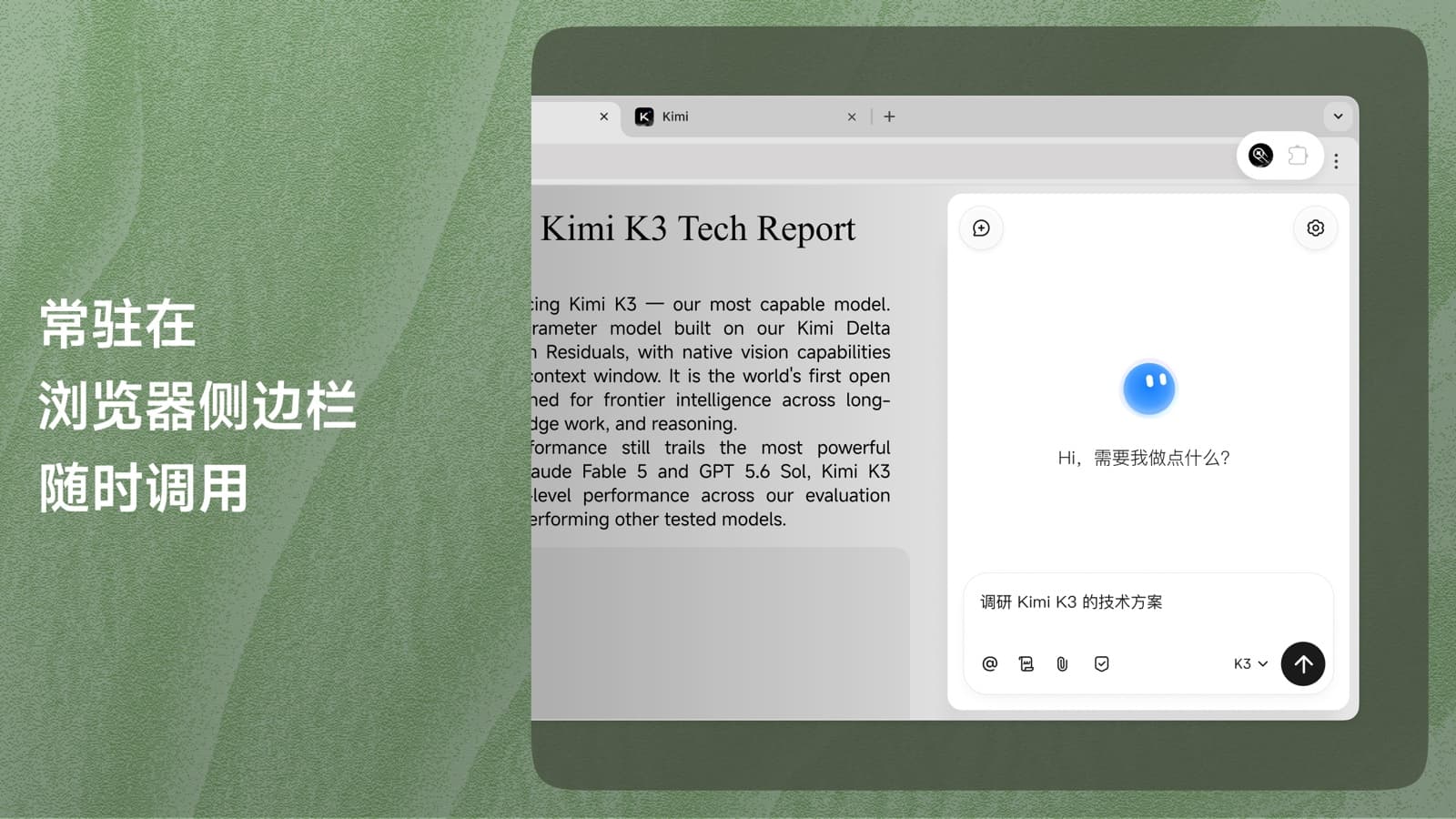
Open the sidebar
Click the Kimi extension icon in your browser toolbar, then sign in with your Kimi account to start
Common use cases
Automated Reporting
Intelligent Form-filling
Quantitative Backtesting
FAQ
Kimi WebBridge is now Kimi Browser Extension, with new features like a browser sidebar entry, web operation recording, and breaking down web pages into commands. Calling the extension through a local Agent works just as before; the sidebar entry requires signing in with a Kimi account.
Kimi Browser Extension connects a browser extension with a local service on your device. When Kimi sends a request, the local service uses the Chrome DevTools Protocol to interact with your open Chrome or Edge browser. It can navigate between pages, click buttons, capture screenshots, and read page content before sending the results back to Kimi. The process runs locally, so your login sessions and browser content stay on your device.
Check that Kimi Browser Extension is installed and enabled. Then return to Kimi Work, send the connection command again, and run it once more. After the process is complete, restart the Kimi Desktop App.
If you run into a problem while using it, visit the Help Center for troubleshooting help.